Small Law Firm Website Design: A Practical Launch Checklist
A prospective client opens your website on a phone. They want to know whether you handle their type of matter, where you practise, who they would speak to and how to contact the firm. A polished homepage helps, but the journey is incomplete if the service details are vague or the enquiry never reaches your inbox.
Small law firm website design should start with a clear set of pages, a dependable enquiry process and tests that the firm can approve before launch. This checklist is for solo attorneys and small firms commissioning a new site or reviewing a replacement. Use it in the project brief, then return to it before signing off the finished work.
If you are still deciding what to spend, start with our law firm website design cost guide. The checklist below focuses on what the finished website needs to do.
1. Agree on the first version before choosing a design
Write down the practice areas you want to explain, the locations you actually serve and the action a visitor should take. “Generate more enquiries” is a goal; “send consultation requests to the intake coordinator with an agreed set of fields” is a feature that can be built and tested.
For a hypothetical two-attorney firm, a focused starting structure might contain a homepage, two attorney profiles, three practice-area pages and a contact page, alongside the policies and notices the firm needs. That is a planning example, not a required page count.
Name the person supplying and approving copy.
List the photographs, biographies and business details the developer will receive.
Separate essential launch features from later additions, such as a client portal or online payments.
Agree who owns the domain, accounts and final website files.
Approval test: Both sides can point to one agreed list of pages, features, content owners and exclusions.
2. Give every important visitor question a clear home
Your navigation should help a person understand the firm without learning your internal terminology. A small law firm web design brief can organise content around four straightforward questions.
Can you help with my situation?
Give each main practice area enough space to explain the matters the firm handles, the people it serves and the usual first step. Use plain language alongside the legal term. Avoid publishing several near-identical pages with only a city or practice name changed.
Who would I work with?
Attorney profiles should use accurate names, roles, qualifications and admissions. Include a real photograph when available. Have the attorney approve the information rather than relying on a designer to infer credentials from an old biography.
Do you serve my area?
State the actual service area and explain appointment arrangements. Distinguish an office that receives visitors from a mailing address. Do not create the impression of a local office where the firm does not have one.
What should I do next?
Use a specific contact action, such as “Request a consultation,” when that matches the firm’s process. Explain whether someone will call back, whether appointments are required and whether a consultation fee applies. Publish response-time commitments only if the team can meet them.
Approval test: Someone unfamiliar with the firm can identify a relevant service, an attorney and the next contact step without help.
3. Review credibility claims before they go live
Design should make real experience easy to understand. It should not manufacture it. Confirm permission to use testimonials, photographs and client-related material. Check awards, memberships and results against the facts, and remove placeholder reviews or sample statistics from the public site.
The ABA’s Model Rule 7.1 addresses false or misleading communications about a lawyer’s services. It is a model rule; the firm should review the requirements applicable to its jurisdiction and approve its advertising copy, notices and intake wording. A website checklist is not a legal compliance review.
Approval test: The responsible attorney signs off on public claims and any required disclosures before publication.
4. Test the enquiry all the way to the person answering it
A form is not finished when the submit button looks right. It is finished when a valid enquiry reaches the correct destination, the visitor receives clear feedback and the team knows what happens next.
Keep the first enquiry focused on what intake staff need to route it. Name, contact details, a broad matter category and a preferred contact method may be enough for an initial version. Agree on the fields with the firm. Detailed case histories and document uploads need a separately designed intake process.
Send a clearly labelled test enquiry from both a phone and a desktop.
Confirm receipt in the actual inbox or intake system, including spam-folder checks.
Submit with missing or invalid information and read the error message.
Check the acknowledgement so it does not promise that the firm has accepted the matter.
Test telephone links, appointment links and any after-hours instructions.
The firm should approve wording about what visitors may submit and how contact requests are handled. Do not assume that adding a generic disclaimer makes an ordinary form suitable for confidential documents.
Approval test: A staff member receives the test enquiry, can identify its source and knows who is responsible for responding.
5. Check the mobile and keyboard experience
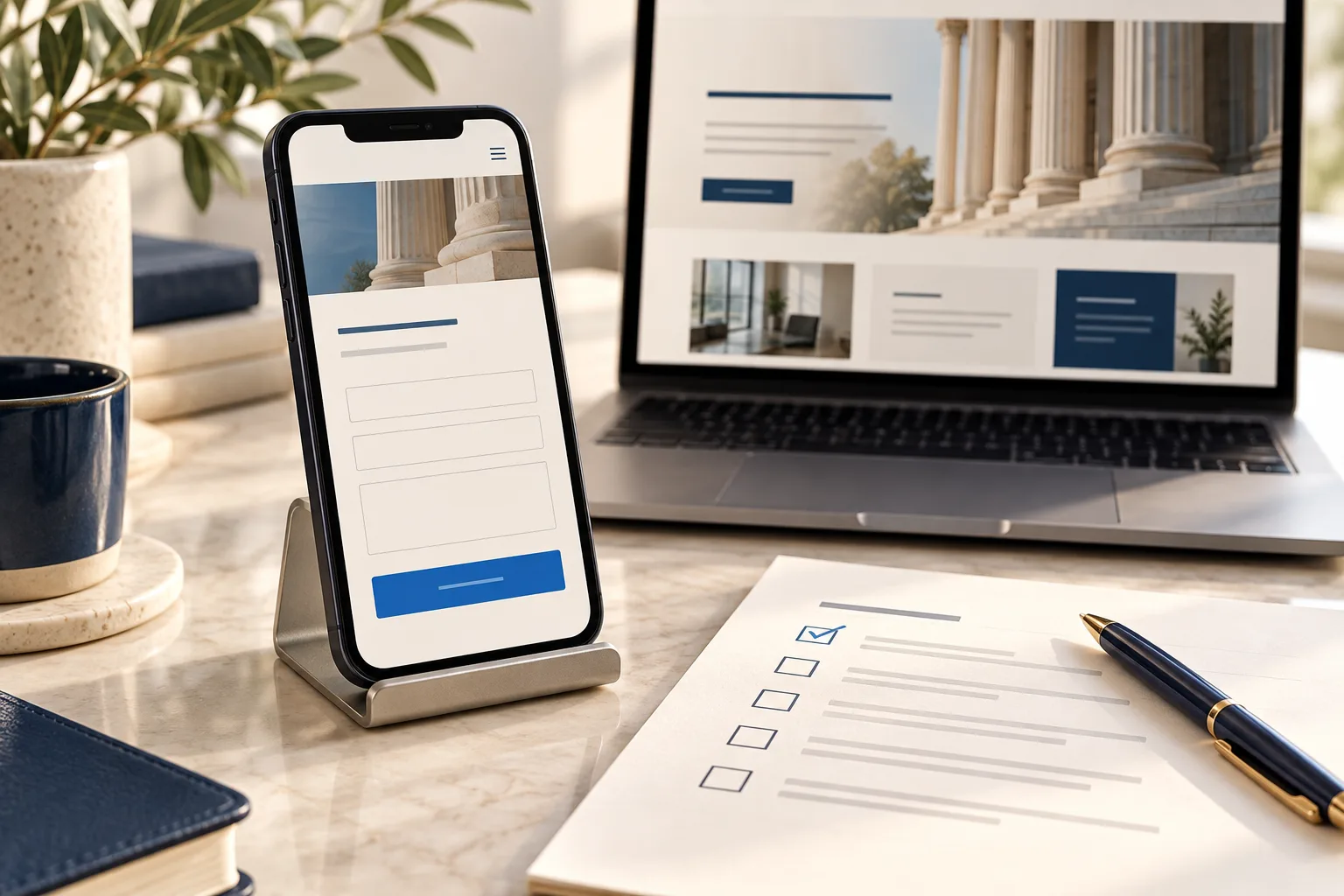
Review the finished pages on an actual phone, not only a scaled screenshot. Open the menu, read an attorney profile and complete the contact form. Check whether a sticky banner hides the button, text needs horizontal scrolling or a large image delays access to the page.
Then use a keyboard to move through links and fields. You should be able to see which control has focus and operate the menu and form without a mouse. Fields need understandable labels and useful errors; placeholder text alone is a poor substitute for a persistent label. The W3C forms tutorial explains accessible labelling, instructions and feedback.
These are practical starting checks, not a complete accessibility assessment. Ask the developer what was tested and which issues remain.
Approval test: A visitor can find a practice area and send an enquiry on mobile and with a keyboard, without a blocked step.
6. Preserve useful URLs when replacing the old site
A redesign can change page addresses even when the domain stays the same. Before launch, collect the old URLs from the existing site, its sitemap and available search reports. Map each useful old page to the closest equivalent on the replacement site.
If an old practice-area page has moved, use a permanent redirect to its new equivalent. If a page has been removed with no suitable replacement, return a genuine not-found response. Do not send every deleted page to the homepage. Bing’s Webmaster Guidelines recommend 301 redirects for permanent URL changes.
Ask the developer to check that public launch pages load successfully, use the intended canonical URLs and have no leftover staging noindex instructions. The sitemap should list the current public pages, and important pages should be reachable through ordinary site links.
Submit the current sitemap in Google Search Console and Bing Webmaster Tools. A successful submission helps discovery; it does not guarantee indexing or a search position.
Approval test: Open several old URLs yourself. Each reaches a relevant replacement or returns the intended not-found response, rather than an unrelated page.
7. Finish the handover and agree on follow-up
The firm should have control of its domain and essential accounts. Confirm access to hosting, the content editor and any agreed integrations, with individual accounts where possible. Record renewal responsibilities and which ongoing services carry separate charges.
Ask for a short walkthrough: update an attorney biography, replace an image and change contact details. Confirm the backup and recovery process, how faults are reported and what support is included after launch.
For measurement, choose a few useful actions, such as successful enquiry submissions and appointment requests. A phone-link click is not proof of a completed call, and a submitted form is not automatically a qualified client. Avoid sending names, case descriptions or other sensitive form contents into analytics.
Approval test: The named owner can make an agreed content change and knows how to get help if a form or page stops working.
A short sign-off list for launch day
Before approving publication, confirm these items with your developer and the person responsible for intake:
Practice areas, attorney details and contact information are accurate.
The firm has approved claims, policies and intake wording.
A mobile visitor can complete the main contact journey.
A test enquiry has reached its intended recipient.
Old URLs and current public pages behave as agreed.
The firm has the access, training and support details it needs.
Repeat the form and telephone-link tests on the live domain. Schedule a follow-up review after real enquiries begin, so the team can address confusing questions and missed handoffs using evidence.
Frequently asked questions
Does a solo law firm need a large website?
No. Solo law firm website design can begin with a focused set of useful pages. The right size depends on the services, attorney information and contact process you need to explain. Add pages when they answer a distinct client question.
Should a client portal be part of the first version?
Only if there is a defined need and a reviewed approach to access and document handling. A public enquiry form and an authenticated client portal solve different problems. Scope the portal separately rather than adding file uploads as an afterthought.
Will passing this checklist make the website rank?
No checklist guarantees rankings. These checks help you approve a usable, accessible and technically prepared website. Search engines still decide which pages to index and display, and results depend on more than launch configuration.
Turn your checklist into a project brief
Send your developer the practice areas, attorney count, current website address and required contact workflow. Ask the proposal to specify pages, content responsibilities, testing and handover—not just a design style.
Sajlog offers custom website development with responsive layouts, agreed admin controls and technical launch setup. If you are planning a small firm’s website, tell us about the project so we can define the scope around your firm’s actual needs.