
Website Maintenance Services: What's Included, What It Costs, and Why Your Business Can't Afford to Skip It in 2026
Let me ask you something. When did you last think about your website after it went live?
If your answer is "not much," you're in good company. Most business owners launch a site, feel a wave of relief, and then shift their attention back to running the actual business. Completely understandable. But here's the uncomfortable truth — a website that nobody's maintaining is quietly losing you money. Every single day.
Think of it like a car. You can buy the nicest vehicle on the lot, but if you skip oil changes, ignore warning lights, and never service the brakes — you know what happens. The same logic applies to your website, except the consequences tend to sneak up on you. One day it's slow. Then it's not showing up on Google. Then a client mentions it looked broken on their phone. Then, worst of all, you get a call saying your contact form hasn't been working for six weeks.
This guide will walk you through what professional website maintenance services actually include, what they cost in 2026, and how to decide what level of support makes sense for your business.
What Does "Website Maintenance" Actually Mean?
The term gets thrown around a lot, and honestly, different providers use it to mean very different things. So let's be precise.
At its core, website maintenance is the ongoing work of keeping your site secure, fast, updated, and functioning properly. It's not a one-time thing. It's a continuous process — closer to hiring a part-time caretaker than getting a haircut.
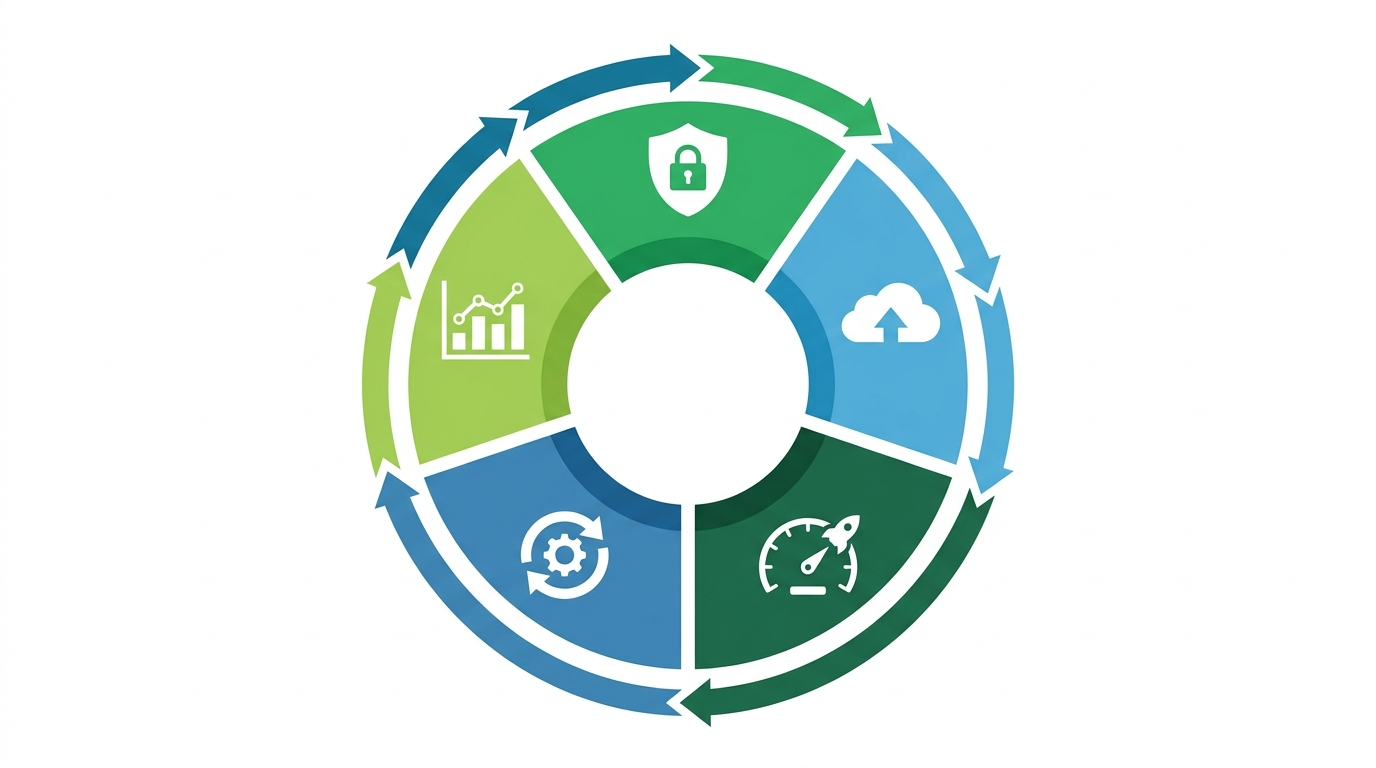
Most professional maintenance plans cover some combination of the following:
Security monitoring and updates — Hackers don't take days off. Your site needs regular security scans, malware checks, and software patches. If your site runs on WordPress (or any CMS), outdated plugins and themes are the #1 way attackers get in. A single breach can take your site offline, expose customer data, and take weeks and thousands of dollars to recover from.
Backups — This one should be non-negotiable. Daily or weekly automated backups mean that if something goes wrong — and at some point, something will go wrong — you're not starting from scratch. Most people discover they needed backups right after they needed them.
Performance optimization — Slow sites lose customers. Google has made it very clear that page speed is a ranking factor, and users have made it even clearer: if your site takes more than 3 seconds to load, about half of them are leaving. Maintenance keeps your site optimized, images compressed, and Core Web Vitals in check.
Software and plugin updates — If your site uses WordPress, Shopify, or any platform with plugins or themes, those need to be updated regularly. Not just for new features — but because outdated software is a security vulnerability waiting to be exploited.
Uptime monitoring — Sometimes sites go down. Server hiccups, hosting issues, plugin conflicts. Uptime monitoring catches these immediately so they get fixed in minutes instead of hours (or days, if you only find out when a client mentions it).
Content updates — Depending on your plan, this can include changing pricing, updating team bios, adding new photos, or making small edits to copy. Some providers include a set number of hours or "change requests" per month.
Technical SEO checks — Broken links, missing meta tags, redirect errors — these quietly tank your search rankings over time. A good maintenance plan catches them before they become a problem.
 How Much Do Website Maintenance Services Cost in 2026?
This is where most people get confused, because the range is genuinely wide. You'll find plans starting at $20/month and agencies charging $5,000+ per month, and both can technically be called "website maintenance."
Here's how to make sense of the numbers.
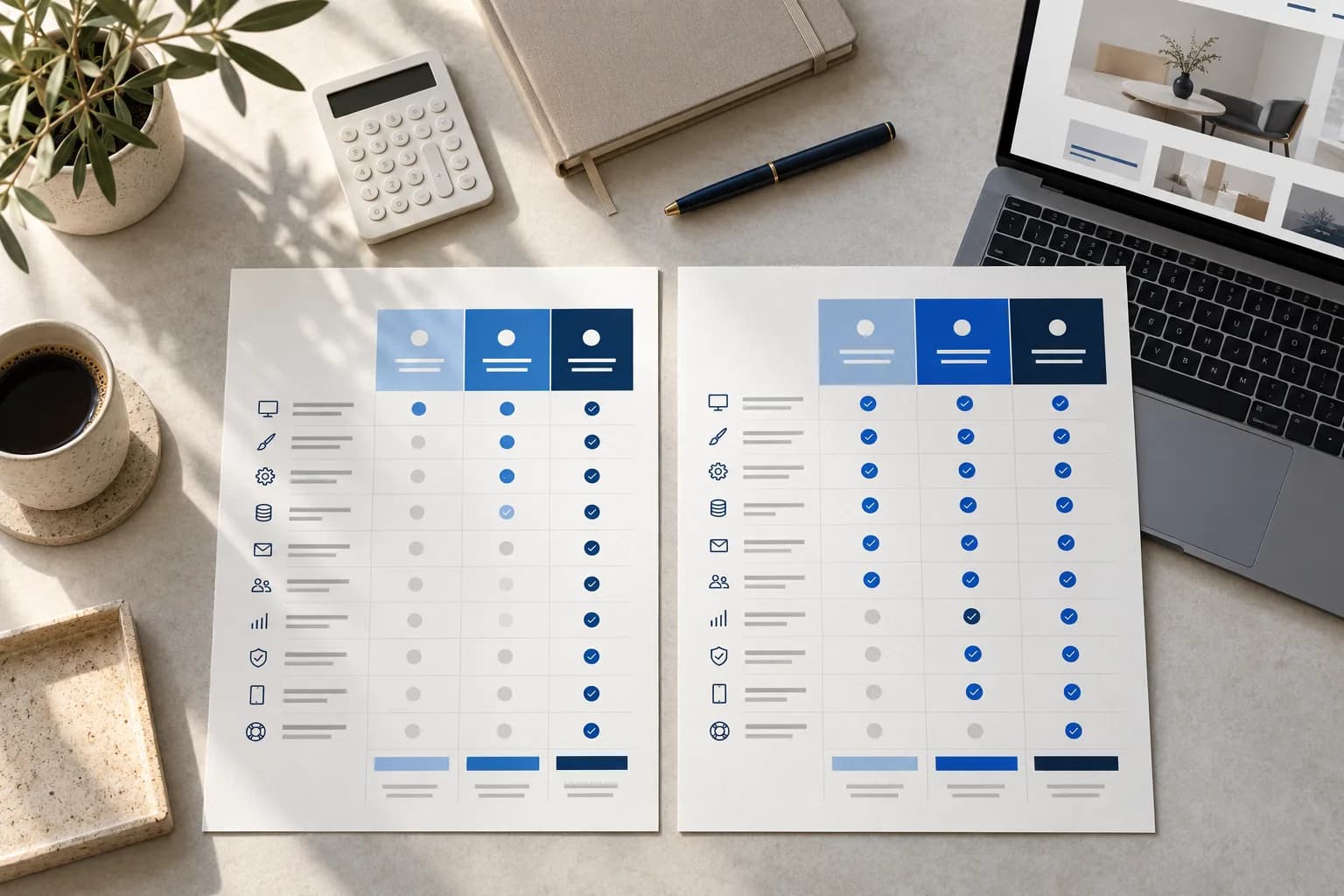
DIY / Basic hosting ($0–$50/month) If you have a simple personal site or blog and you're comfortable doing updates yourself, your only real costs are hosting and domain renewal. This works — until it doesn't. The moment something breaks or gets hacked, you're on your own, and emergency fixes typically cost far more than a maintenance plan would have.
Small business maintenance plans ($100–$500/month) This is the most common range for businesses that take their online presence seriously but don't need enterprise-level support. A quality plan in this range, typically around $199–$499/month, should include security monitoring, regular backups, plugin updates, uptime alerts, and a set number of change requests each month. That's the realistic floor for meaningful maintenance.
Mid-level agency support ($500–$1,500/month) At this level, you're usually getting more hands-on support — faster response times, more content updates per month, ongoing performance optimization, and potentially some light SEO work. If your website is actively generating leads or running e-commerce, this investment makes a lot of sense.
Enterprise / high-traffic sites ($1,500–$5,000+/month) Large e-commerce stores, SaaS platforms, or sites with heavy traffic and custom functionality need dedicated attention. The cost reflects complexity, not just time.
For most small to medium businesses, the sweet spot sits somewhere between $150 and $600 per month. Annually, that's $1,800 to $7,200 — which sounds significant until you compare it to the cost of a single emergency website recovery ($2,000–$10,000+), or the revenue lost from months of slow load times and broken contact forms.
Why Skipping Maintenance Costs More Than You Think
The most common objection to website maintenance is simple: "My site works fine. Why do I need to pay someone to maintain it?"
It's a fair question. And the answer usually comes down to three things most people don't think about until they're already a problem.
Hacking happens to small businesses too. There's a persistent belief that hackers only target big companies. In reality, the majority of cyberattacks target small business websites — precisely because they're easier to breach. Automated bots constantly scan the web for outdated plugins and unpatched software. If yours is one of them, it's only a matter of time.
Google notices neglect. Search engines favor websites that are fast, secure (HTTPS), free of broken links, and regularly updated. A site that hasn't been touched in 18 months tends to slowly drift down the rankings, not because anyone penalized it, but because better-maintained competitors are pulling ahead.
First impressions are unforgiving. A study by Stanford found that 75% of users judge a company's credibility based on its website design and performance. If a potential client lands on your site and the page loads slowly, images are broken, or the layout looks off on mobile — they're gone. And they probably won't tell you why.
The economics are actually pretty simple. A $300/month maintenance plan costs $3,600 per year. Recovering from a single serious hack? Easily $3,000–$10,000 in cleanup costs, plus lost business during downtime. Prevention isn't just good practice — it's cheaper.
What to Look for When Choosing a Website Maintenance Provider
Not all maintenance providers are equal, and some use the term loosely. Before you sign anything, here are the questions worth asking.
What exactly is included? Get a written list. "Website maintenance" means different things to different agencies. You want specifics: how often are backups taken, what's the response time for issues, how many change requests are included per month.
What's your response time for emergencies? If your site goes down on a Tuesday night, how quickly does someone respond? Some providers only work weekday business hours. Know what you're getting.
Do they provide monthly reports? A legitimate maintenance provider should be able to show you what they did each month — updates applied, uptime percentage, issues resolved. Transparency is a good sign. Vague invoices are not.
Are backups stored offsite? Backups stored only on the same server as your site aren't real backups. If the server has a problem, you lose everything. Offsite or cloud backups (like Amazon S3 or Google Cloud) are the standard.
Do they understand your specific platform? A WordPress specialist and a Shopify expert are not the same thing. Make sure whoever you hire actually knows the platform your site runs on.
Do You Actually Need Professional Maintenance Services?
Here's the honest version: not every business needs a full-service maintenance retainer. If you have a simple 5-page site, no e-commerce, and you're comfortable handling the occasional plugin update yourself, a basic managed hosting plan might be enough.
But if your website is actively part of how you get clients — if people find you on Google, fill out contact forms, book calls, or buy from you online — then yes, professional maintenance isn't optional. It's part of the cost of doing business online, the same way a retail store pays for cleaning and security.
The businesses that treat their website as a living, maintained asset consistently outperform those that treat it as a one-time expense. The rankings are better, the conversion rates are higher, and the uptime is more reliable.
Final Thought
Your website is the first thing most potential clients see. Before they call you, before they meet you, before they trust you — they see your website. Keeping it fast, secure, and working properly isn't just a technical concern. It's a sales concern.
If you're not sure where your site stands right now, start with a basic audit. Check your page speed (Google's PageSpeed Insights is free), make sure your SSL certificate is active, and look at whether your plugins are up to date. What you find might surprise you.
And if you want someone to handle all of it so you can focus on actually running your business — that's exactly what a professional website maintenance plan is for.
At Sajlog, we offer custom website maintenance plans for businesses across the US and Canada. Whether you need basic uptime monitoring or full ongoing support, we'll make sure your site stays fast, secure, and working exactly the way it should. [Get in touch for a free website audit.]