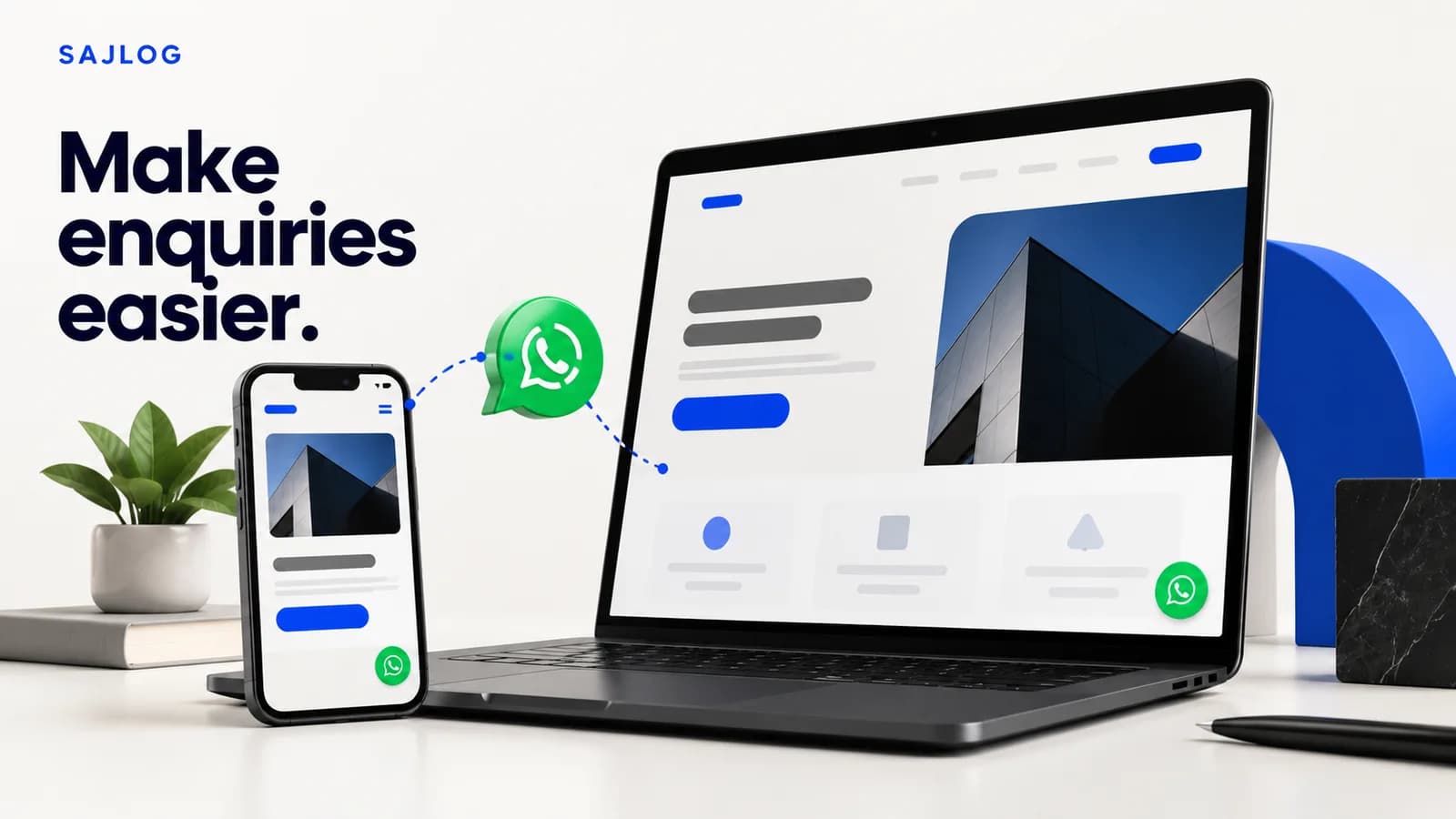
A customer has read your service page and has one question before getting in touch. Can they start that conversation without searching through menus, copying a phone number or guessing what to say?
A WhatsApp button for your business website can make that next step more straightforward. But the button needs a clear purpose, a working destination and someone ready to reply. Here are five practical checks for a service business in Pakistan or anywhere its customers already use WhatsApp.
1. Put the button where the question happens
Start with the page where a visitor is deciding whether your service fits. A consultation button after a service explanation is often more useful than a contact option hidden in the footer. Explain what the visitor can ask about before asking them to open a conversation.
For example, a cleaning company could offer an enquiry after explaining its service area. A business consultancy could place a contact option beside its service categories. These are different questions, so they do not need identical surrounding copy.
Use a clear label such as Chat on WhatsApp. If you use WhatsApp's official branded button, follow its brand guidance. Avoid showing several competing contact buttons before the visitor understands what you offer. On mobile, check that a floating button does not cover your form, navigation or other important controls.
2. Check the number and the destination
Open the link yourself before publishing it. Does it reach the business account you actually monitor? Does the name help a customer recognise your company?
WhatsApp's click-to-chat links use a full international phone number. Follow the official click-to-chat instructions when creating the link, including the required number format. Test it on a phone and a desktop instead of assuming that a successful preview in your website editor is enough.
A button that opens the wrong number is a practical problem you can fix immediately. It does not require a full redesign.
3. Give the conversation a useful starting point
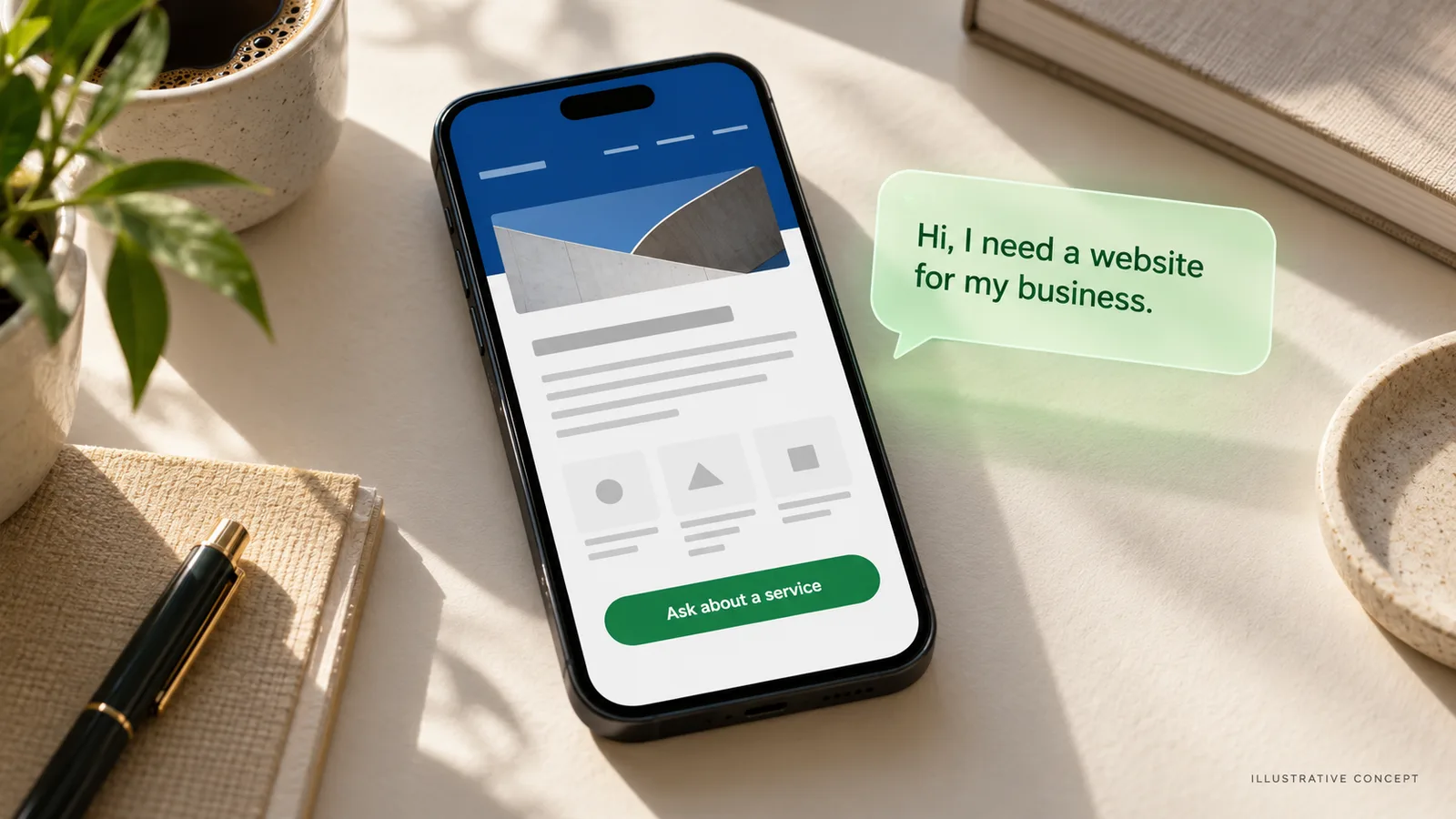
A pre-filled message can help a visitor explain why they are contacting you. Keep it short, relevant to the page and easy to edit.
Hi, I'm interested in a website for my business. Can we discuss the scope?
For a different service, change the message to match that service. Do not insert a long questionnaire into the first chat. You can ask about the project, location, timeline and budget when those details become relevant.
The pre-filled text is a draft for the visitor to send. Opening the chat is not the same as sending a message, booking a meeting or becoming a qualified lead. Keep those steps separate when judging the results.
4. Test the whole journey on mobile
Ask someone unfamiliar with the page to find your service and contact you. Watch where they hesitate. This simple exercise can reveal unclear wording or a hidden button that you stopped noticing because you know the website so well.
Can they understand the service before opening WhatsApp?
Can they find and tap the button without accidentally hitting another control?
Does the correct chat open with a useful message?
Can they return to the website if they want to keep reading?
Is there another contact method if they do not use WhatsApp?
If the page itself is confusing, moving the button will only solve part of the problem. Our guide to reviewing a website before a redesign covers broader questions about the visitor journey.
5. Plan the reply, not just the click
Decide who checks the business inbox and when. State response hours accurately if you show them on the website. Do not promise instant replies when nobody is available.
A useful first response acknowledges the customer's actual question and explains the next step. For a website enquiry, that might mean asking what the business does and what the website should help customers do. It does not need to start with a long sales pitch.
Keep a simple record of button clicks, actual conversations, suitable enquiries and agreed projects. These numbers answer different questions. More clicks without more conversations may point to a problem after the button; conversations without suitable projects may mean the offer needs to be clearer.
A quick check before you publish
Check | What a useful result looks like |
|---|---|
Placement | The contact option appears beside a relevant service or decision. |
Destination | The link opens the correct monitored business account. |
Message | The visitor can send or edit a short, relevant question. |
Mobile use | The button is easy to use and does not block other controls. |
Reply | Someone owns the next step and sets realistic expectations. |
Common questions
Does a WhatsApp button automatically bring more leads?
No. It offers another route to contact you. The relevance of your visitors, clarity of your service, trust in your business and quality of your reply still matter.
Should it replace my contact form?
Not necessarily. Some customers prefer email or need to share a structured brief. Offer the contact routes you can support, and make their purpose clear.
Do I need an AI chatbot for this?
No. You can start with a direct chat link and a person handling replies. Consider automation later if it solves a real workload problem.
Make the next step clear
Your website should explain what you do and make it easy for the right customer to ask a relevant question. A well-placed WhatsApp button is one part of that journey.
Sajlog builds custom business websites around your services and customer needs. Tell us about your project if you want a website with a clearer enquiry journey.